Pull a Dino How to Redeem Codes
Shop path, exact typing rules, and fixes when a luck code will not claim.
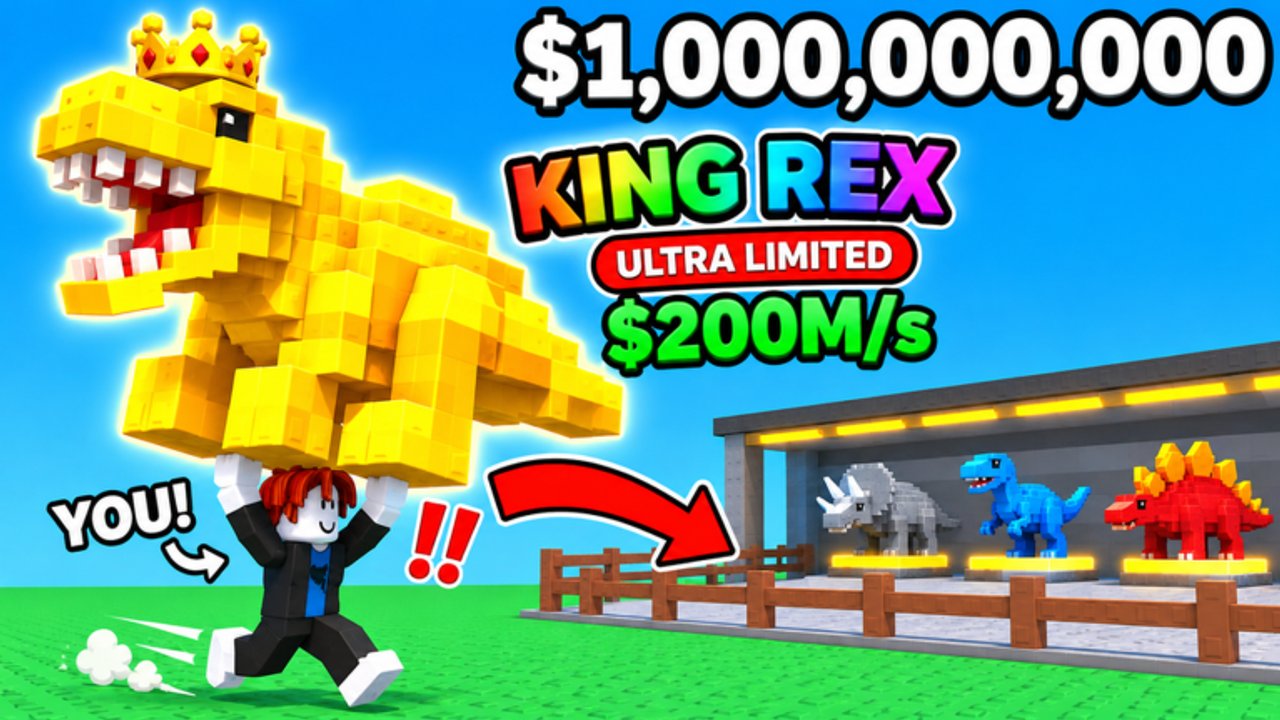
Redeeming Pull a Dino codes takes less than a minute once you know where the Shop Codes panel lives. This guide walks through the standard shop flow, platform differences, and the usual reasons a code fails so you can spend time throwing — not hunting menus.
If you only need the live string list, open the codes hub. Skeleton and Secret Egg rewards use different lobby objects — jump to secret codes after you finish shop redemptions.
Before you redeem
- Join the live experience: Pull a Dino on Roblox.
- Wait until your character and plot finish loading. Redeeming during the first spawn stutter can drop UI clicks.
- Copy the code from the active codes table so you do not mistype long strings like Haniadagahubert.
- Decide whether the reward is a next-throw luck buff. If it is, clear distractions and stand near a throw pad before you redeem.
Desktop / laptop steps
- Look at the left side of the HUD and click Shop.
- Inside the shop window, click Codes.
- Click the Enter Code field.
- Paste or type the code exactly, including capital letters.
- Press Redeem.
- Watch for a success toast or reward popup. For luck codes, throw as soon as the buff is active.
That path covers NEWUPDATE, VOLCANO, Pulladino, Haniadagahubert, RELEASE, Thebestgame, and SUPERTHROW.
Mobile and console notes
Pull a Dino supports phone, tablet, and console. On touch devices:
- Tap Shop carefully — fat-finger taps sometimes open neighboring buttons.
- Paste from your notes app when possible; long codes are easy to mistype on small keyboards.
- After Redeem, rotate the camera so the throw pad and mud zones stay visible before you spend a 100x buff.
On console, use the on-screen keyboard for the Codes field and double-check capitalization. If paste is unavailable, enter slowly and compare against the wiki table character by character.
Case sensitivity and formatting rules
Most Pull a Dino codes are case-sensitive. NEWUPDATE is not the same as newupdate. Avoid:
- Leading or trailing spaces from messy copy/paste
- Fancy Unicode lookalikes from social screenshots
- Extra punctuation or emoji wrapped around the real string
- Lowercasing everything “to be safe” — that often breaks codes
If a paste looks wrong, delete the field and type manually once.
What each reward type feels like in-game
- Luck multipliers (50x / 100x) — apply to the next throw. Plan biome distance and perfect timing first (perfect throw, biomes).
- Cash piles — fund benches and harpoons so you unlock farther mud faster (train strength).
- SUPERTHROW — pushes the next result toward Legendary or better; still pair with good distance.
- Spears / secret unlocks — not always in the Shop Codes box; see secret codes.
Troubleshooting: code will not redeem
Work through this checklist in order:
- Confirm it is a shop code. SEKRETDINO and SOBOTAUPDATE fail in Shop → Codes because they belong to Skeleton / Egg interactables.
- Re-copy from the wiki table and strip spaces.
- Rejoin the server if the shop UI freezes or the Codes button does nothing.
- Try another server if the experience is mid-update or Admin Abuse is hammering remotes.
- Assume expiry if the official Roblox description no longer shows that CODE line and multiple players report failures.
- Check one-redeem limits. A silent failure after an earlier success usually means the account already claimed it.
Never download “code generators” or leave Roblox to a random site that asks for your password. Official redemption stays inside the game client.
Best time to redeem luck codes
Stack multipliers when the rest of your account is ready:
- Train enough strength to reach the biome you care about.
- Join or level a clan for extra luck if available (clans and eggs).
- Note Admin Abuse at 18:00 Polish time — temporary server luck can stack with codes.
- Redeem, then immediately attempt a perfect throw on a clear pad.
New accounts should complete getting started so the first 100x throw is not wasted on the starter mud ring.
After a successful redeem
- Update your mental checklist: which codes are burned on this account.
- Place any new high-rarity dino on the plot and compare income tips on best income dinos.
- Watch the updates hub for the next code wave after Lantern follow-ups or the announced November 21 patch window.
Related pages
- Codes Hub — full active table
- Secret codes — Skeleton and Egg claim flows
- Getting Started — day-one loop
- Updates Hub — Lantern systems that change how rewards feel
Redeem carefully, throw deliberately, and treat every luck code as a planned attempt — not a random button mash.
Frequently Asked Questions
Quick answers to the most common Pull a Dino questions.
Where is the Codes button in Pull a Dino?
Open Shop on the left side of the screen, then click Codes inside the shop panel. Enter the string in Enter Code and press Redeem.
Do I redeem codes on mobile the same way?
Yes — Shop → Codes still applies. Paste long codes when you can, and stand near a throw pad before claiming next-throw luck.
Why does SEKRETDINO fail in the Codes box?
It is a Skeleton lobby code. Press E on the Skeleton, enter the secret code, and Unlock. Details are on the secret codes page.
Should I redeem luck codes before training?
Train first if you cannot reach the biome you want. A 100x buff on a short throw wastes the multiplier. See train strength.